
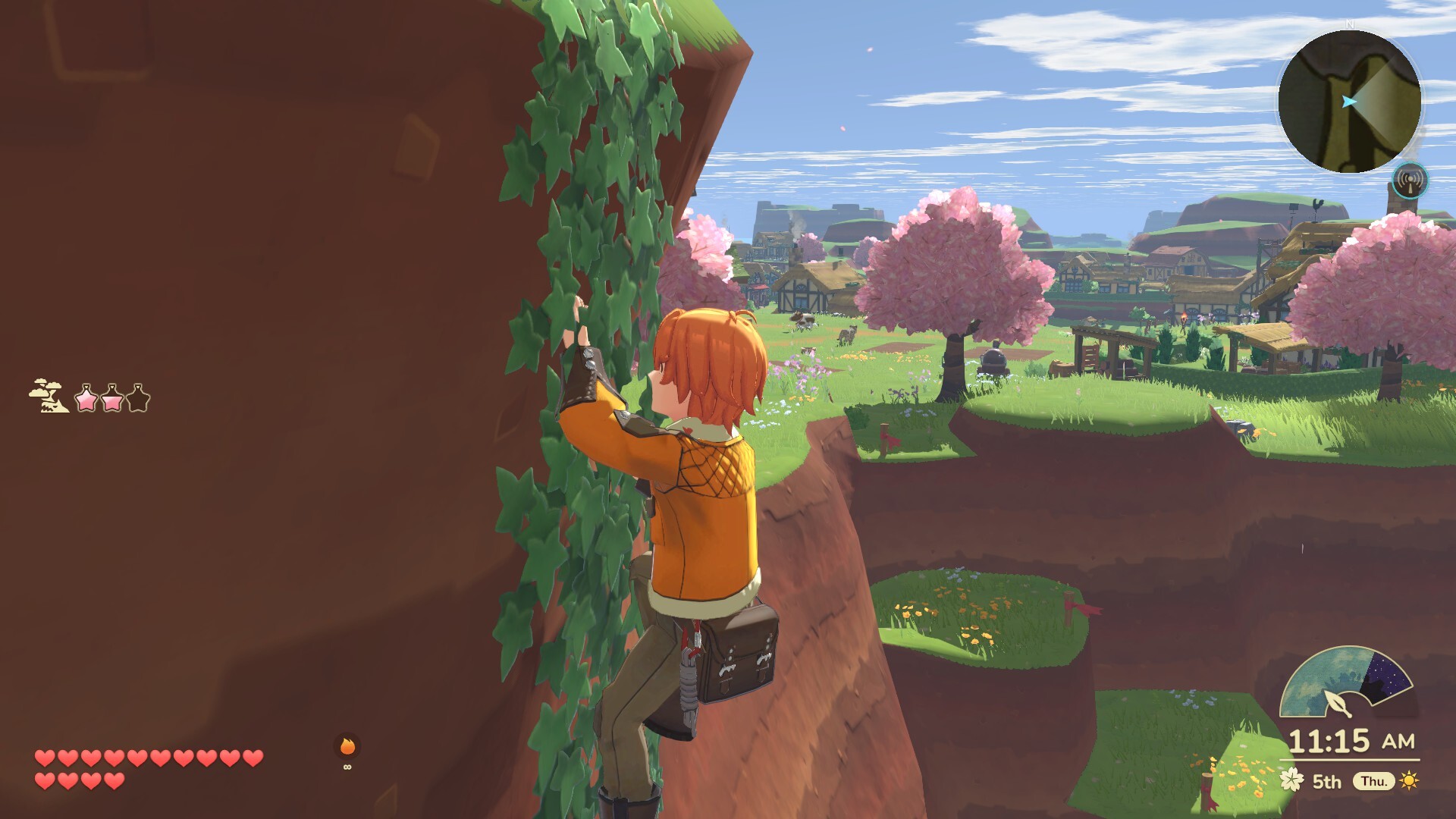
Official screenshot · Steam gallery · ©2026 Natsume Inc. / IMAGICA GEEQ inc. Material statement.
Start with the DocPad map
The DocPad map is the confirmed in-game tool for resource tracking. The hands-on report describes tracking discovered resources and filtering categories. This is useful when you want to revisit something you have already found rather than search the whole world without a reference.
Tracking discovered resources is different from displaying every unknown location in advance. The research does not establish a complete icon legend or guarantee that every collectible appears immediately. Use the current map information in your save as the reference for what has actually been recorded.
Use category filters for a clearer task
The reported filters let you narrow the types of information visible on the map. A focused view can make it easier to plan around the resource you are currently seeking. That is a practical use of the confirmed filter feature, rather than a claim about a specific button sequence.
Choose the information relevant to your current trip and compare it with the area you can reach. The material does not verify every filter label or platform-specific control. Follow the prompts visible in your version when changing the map view.
The named settlements
Natsume’s title announcement names Bloomfield, Tidewind, Quarrytop, and Maplehill. These provide confirmed settlement names for discussing the world. They are not a claim that the entire map contains only four destinations or that their exact relative positions have been checked here.
Use those names when matching a quest destination or village reference to your map. The collected packet does not supply a reliable coordinate grid, map scale, or complete area count. A schematic drawn without checking the geography should not be presented as the official full map.
Fast travel and physical access
RPGamer’s preview corroborates an open map and fast-travel points. It also describes alternative routes during exploration. Map visibility, reaching a place for the first time, and using travel options are therefore related but separate questions.
A visible destination does not by itself establish that your current story progress or abilities permit access. Check the barrier before assuming the map is giving you a direct walkable route. The area-unlock guide covers the confirmed roles of traversal options, tools, companions, and story progress.
Remote islands and nautical charts
Nintendo’s description connects nautical charts with discovering remote islands. That discovery system deserves separate attention from ordinary mainland navigation. If your goal is an island, chart information is more relevant than simply expecting every destination to be visible from the start.
No complete island-marker set or nautical-chart location list is verified by this packet. The same limit applies to full collectible coordinates and resource respawn schedules. Use the DocPad to organize discoveries you have made, while keeping navigation information separate from claims of a fully completed world map.
Sources & further reading
This guide combines the corroborated information in our collected research. Store prices and requirements reflect the inspected material; check the current official listing before purchasing. Preview observations and player impressions are identified where they are used.
- Ushi No Tane — detailed early-copy preview ↗
- RPGamer — Echoes of Teradea Preview ↗
- Natsume — title announcement ↗
- Nintendo US — Switch version ↗